In-World Visualization
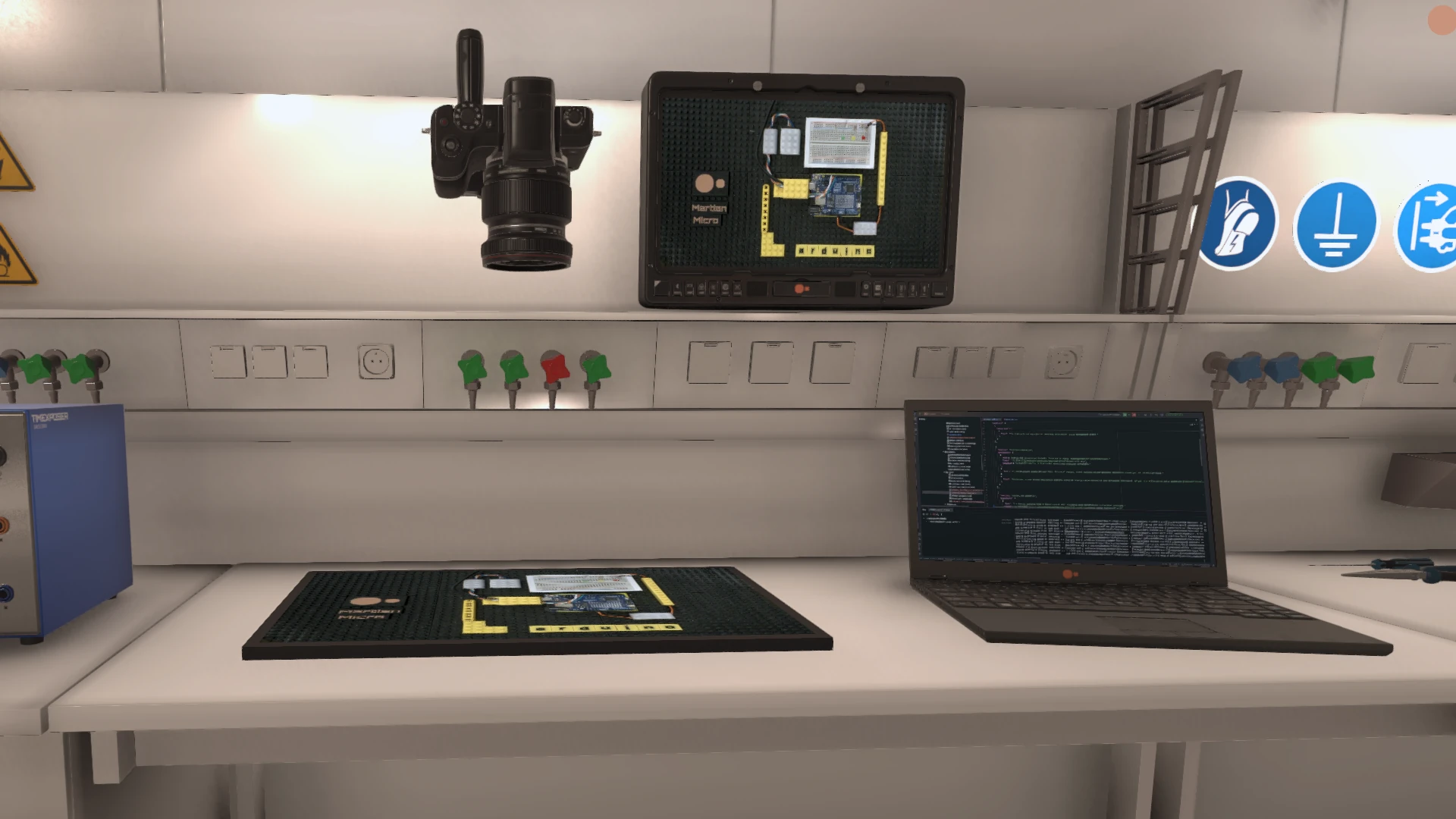
In-World Visualization means that everything is shown inside Station A01. There are no external views, no direct desktops and no out-of-world interfaces. If something is visible, it exists as part of the station.
What In-World Visualization Means
In-World Visualization ensures that all information is embedded directly into the environment.
Nothing is shown outside the station context.
If a system exists, it is represented as an object, screen or behavior inside the world.
No External Views
The stream never cuts to real desktops, editors or control panels.
Real development tools exist — but they are only visible through in-world displays.
This preserves the integrity of the station perspective at all times.
Screens as Interfaces
Screens are the primary interface between systems and the world.
They display live camera feeds, logs, diagnostics, development tools and system status.
Screens are treated as physical objects with location, orientation and context.
Visualizing Abstract Systems
Abstract processes are visualized spatially.
Data flow, system state and activity are translated into visual structures.
This allows complex systems to be perceived without explanation.
Real and Virtual in One Space
In-World Visualization bridges real and virtual systems.
Real devices influence visual elements inside the world.
Virtual controls can trigger real-world reactions.
Visualization as Orientation
Visualization is primarily used for orientation, not explanation.
Colors, movement and placement indicate relevance and activity.
Viewers can understand the state of the station at a glance.
Persistence of Visual Elements
Visual elements persist across streams.
Screens, panels and indicators remain where they are.
As systems evolve, their visual representations evolve with them.
Relation to Other Systems
In-World Visualization relies on multiple underlying systems.
Live data and interaction are provided via FeatureCloud.
Interfaces are rendered through MetaPhone and embedded into the station environment.
For the Viewer
For viewers, In-World Visualization creates coherence.
There is no need to mentally switch between worlds.
Everything you see belongs where it is shown.